
Blog
PNG vs WEBP – Which is Better

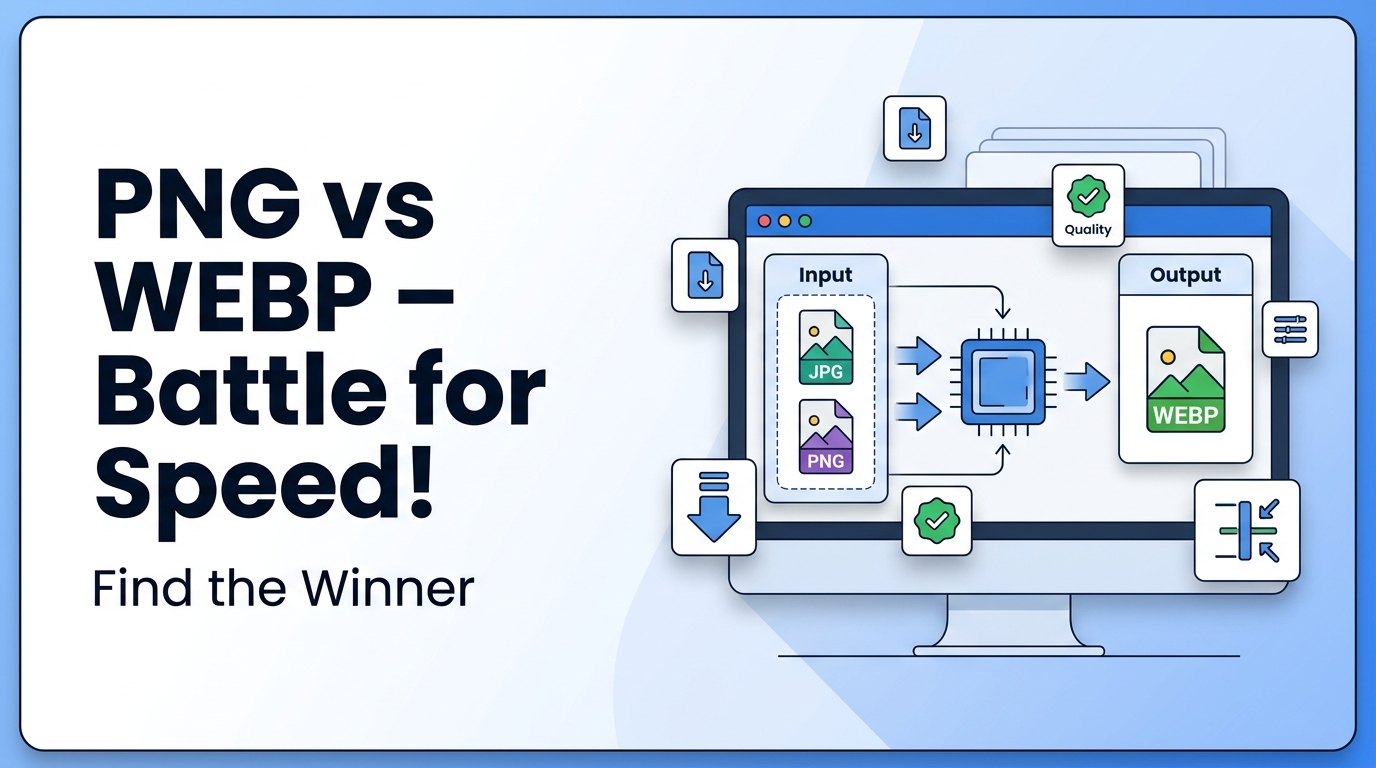
Choosing the right image format is important for website speed, image quality, and SEO. Two popular image formats are PNG and WEBP. Both formats are used on websites, but they serve different purposes. Understanding the difference between PNG and WEBP helps you choose the right format for your images and improve website performance.
What is PNG vs WEBP
PNG (Portable Network Graphics) is an image format that supports high-quality images and transparent backgrounds. It is commonly used for logos, graphics, and images that need clear edges.
If you want to learn more about PNG format, you can read What is PNG.
WEBP is a modern image format developed to reduce image file size while maintaining good image quality. WEBP images load faster and are commonly used on websites to improve page speed and SEO performance.
Both formats are useful, but the best choice depends on image type, quality needs, and website performance.
Why It Is Important
Image format affects website speed, SEO ranking, and user experience. Large image sizes slow down websites, which can increase bounce rate and reduce search engine ranking.
WEBP images are smaller in size compared to PNG, which helps websites load faster. Faster websites perform better in search engines. You can learn more in this Image SEO Guide.
PNG images provide better quality and transparency, but file size is larger. Choosing the right format helps balance image quality and performance.
When to Use It
Use PNG When:
- You need transparent background
- You are using logos
- You are using icons
- You need high-quality graphics
- You are editing images multiple times
Use WEBP When:
- You want smaller file size
- You want faster website loading
- You are uploading images to a website
- You want better SEO performance
- You are optimizing images
If you are not sure about image optimization, read this Image Compression Guide.
Step-by-Step Guide
Convert PNG to WEBP
- Open the Image to WEBP Converter
- Upload your PNG image
- Click convert
- Download WEBP image
Convert PNG to JPG
- Open the PNG to JPG Converter
- Upload PNG image
- Click convert
- Download JPG image
Convert Image to PDF
- Open the Image to PDF Converter
- Upload image
- Click convert
- Download PDF file
You can also read JPG vs PNG to understand another image format comparison.
Tips and Best Practices
- Use WEBP for websites to improve loading speed
- Use PNG for logos and transparent images
- Compress images before uploading
- Do not upload large images directly
- Use proper image size for website
- Use descriptive file names for SEO
- Always keep original image backup
Common Problems
- PNG file size is too large
- WEBP not supported in some old browsers
- Image quality loss after conversion
- Transparency lost when converting to JPG
- Wrong format used for website images
Understanding image formats helps avoid these problems and improves website performance.
FAQ
1. Is WEBP better than PNG?
WEBP is better for websites because it has smaller file size and faster loading. PNG is better for transparency and high-quality graphics.
2. Does WEBP reduce image quality?
WEBP reduces file size while keeping good image quality, but very high compression can reduce quality.
3. Can WEBP replace PNG?
WEBP can replace PNG for most website images, but PNG is still needed for transparent images and design files.
4. Which format is best for SEO?
WEBP is best for SEO because smaller images improve website speed.
5. Should I convert all PNG images to WEBP?
Convert PNG to WEBP for website use, but keep PNG for editing and transparent images.
Summary
PNG and WEBP are both useful image formats. PNG is best for high-quality images and transparency. WEBP is best for websites because it reduces file size and improves loading speed. Choosing the right format depends on your needs. For websites and SEO, WEBP is usually the better choice. For design and transparent images, PNG is the better option.
Related Tools
- PNG to JPG Converter
- Image to WEBP Converter
- Image to PDF Converter
Related Articles
- What is JPG
- What is PNG
- JPG vs PNG
- Image Compression Guide
- Image SEO Guide



















