
Blog
Lazy Loading Images Guide

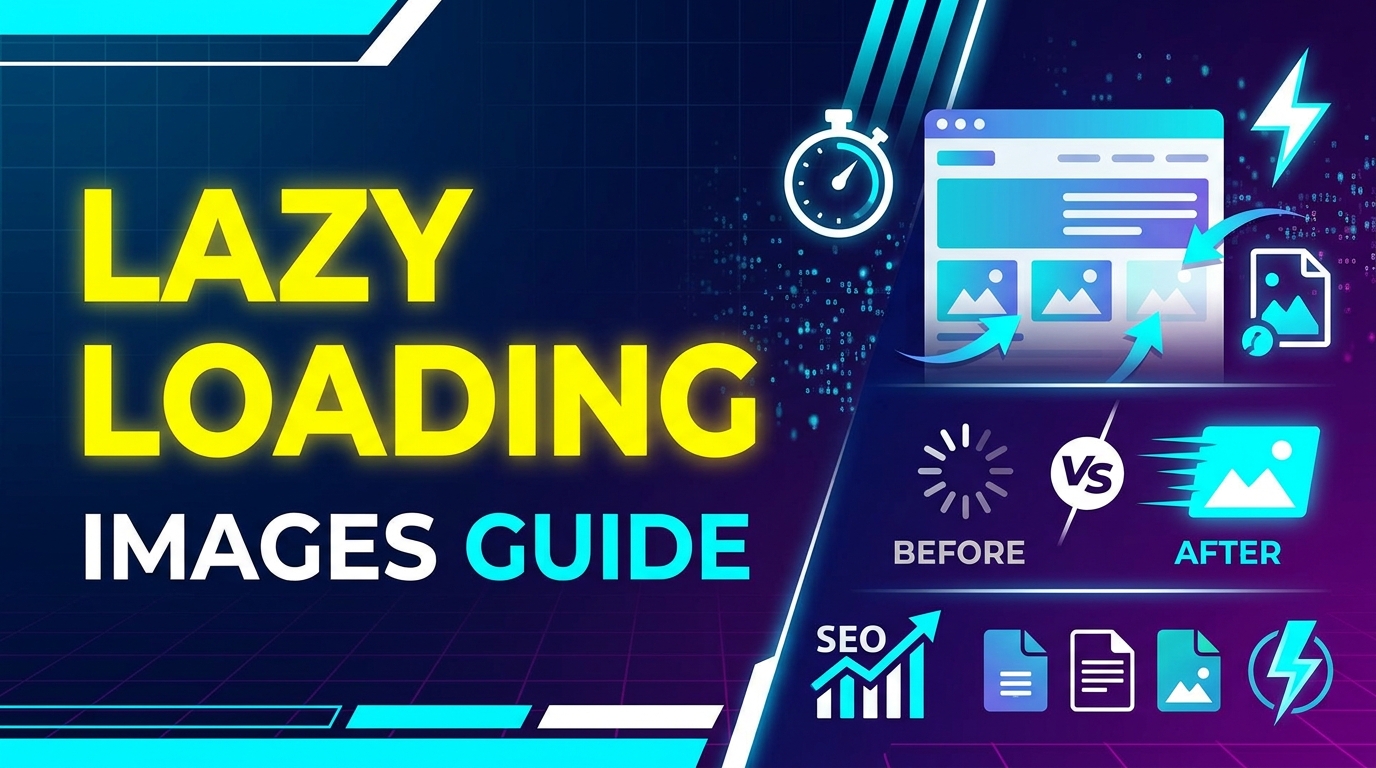
Images are an important part of any website, but large images can slow down page loading speed. Slow websites create a poor user experience and can also affect search engine rankings. Lazy loading is a technique that helps websites load faster by loading images only when they are needed.
This guide explains what lazy loading images is, why it is important, when to use it, and how to implement it step by step.
What is Lazy Loading Images
Lazy loading is a technique where images are not loaded immediately when a webpage opens. Instead, images load only when the user scrolls down and the image becomes visible on the screen.
This means the browser loads only the images that are visible to the user first. Other images load later as the user scrolls.
For example, if a webpage has 20 images, lazy loading may load only the first 3 images at the start. The rest of the images will load when the user scrolls down the page.
Lazy loading is commonly used in blogs, eCommerce websites, portfolios, and long webpages with many images.
Why It Is Important
Lazy loading is important because it improves website performance and user experience.
- Improves page loading speed
- Reduces initial page size
- Saves user data
- Improves website performance
- Helps with SEO and page speed score
Images are usually the largest files on a website. If all images load at the same time, the website becomes slow. Lazy loading solves this problem by loading images only when needed.
Before uploading images, you should also optimize them using the Image Compression Guide. Proper image formats also help improve performance. You can learn more in Image SEO Guide.
When to Use It
Lazy loading should be used in the following situations:
- Blog pages with many images
- eCommerce product listing pages
- Portfolio websites
- Landing pages with many sections
- Long articles with multiple images
Lazy loading is not always needed for small pages with only one or two images. It is most useful when a page contains many images.
You should also use optimized image formats like JPG and WEBP. Learn more about formats in What is JPG, What is PNG, and JPG vs PNG.
Step-by-Step Guide
Method 1: Using HTML Lazy Loading
The easiest way to enable lazy loading is by using the loading attribute in the image tag.
<img src=""image.jpg"" loading=""lazy"" alt=""image"">
This tells the browser to load the image only when it becomes visible on the screen.
Method 2: Using JavaScript
Lazy loading can also be implemented using JavaScript libraries or Intersection Observer.
<img data-src=""image.jpg"" class=""lazyload"" alt=""image"">
Then JavaScript loads the image when the user scrolls.
Method 3: Using CMS or Plugins
If you use a CMS like WordPress, lazy loading can be enabled using plugins or built-in settings. Many website builders already include lazy loading features.
Image Optimization Before Lazy Loading
Before lazy loading, images should be optimized and converted into proper formats:
- Use Image to WEBP Converter for modern format
- Use PNG to JPG Converter for large PNG images
- Use Image to PDF Converter for document images
Tips and Best Practices
- Always compress images before uploading
- Use WEBP format for websites
- Use correct image dimensions
- Do not lazy load above-the-fold images
- Use lazy loading for below-the-fold images
- Add width and height attributes to images
- Test website speed after implementing lazy loading
Above-the-fold images are images visible on screen when the page opens. These images should load normally, not lazy load.
Common Problems
Images Not Loading
If lazy loading is not configured correctly, images may not load. Always test your website on mobile and desktop.
SEO Issues
If search engines cannot see lazy-loaded images, they may not be indexed. Use proper image tags and alt text.
Layout Shift
If width and height are not defined, the page layout may move when images load. This creates a layout shift problem.
Slow Loading on Scroll
If images are too large, they may load slowly when scrolling. Always compress images before using lazy loading.
Browser Compatibility
Most modern browsers support lazy loading, but older browsers may not support it.
FAQ
1. What is lazy loading in simple words?
Lazy loading means images load only when the user scrolls and the image becomes visible.
2. Does lazy loading improve SEO?
Yes, lazy loading improves page speed, which helps SEO and user experience.
3. Should all images be lazy loaded?
No, only below-the-fold images should be lazy loaded. Above-the-fold images should load normally.
4. Does lazy loading reduce data usage?
Yes, lazy loading saves data because images load only when needed.
5. Which image format is best for lazy loading?
WEBP and JPG are best because they have smaller file sizes and load faster.
Summary
Lazy loading is an important technique for improving website speed and performance. It works by loading images only when they are visible on the screen instead of loading all images at once.
This reduces page load time, improves user experience, saves bandwidth, and helps improve SEO performance. Lazy loading works best when combined with image compression and modern image formats like WEBP and JPG.
If your website has many images, implementing lazy loading can significantly improve page speed and performance.



















