
Blog
Image File Name SEO Guide

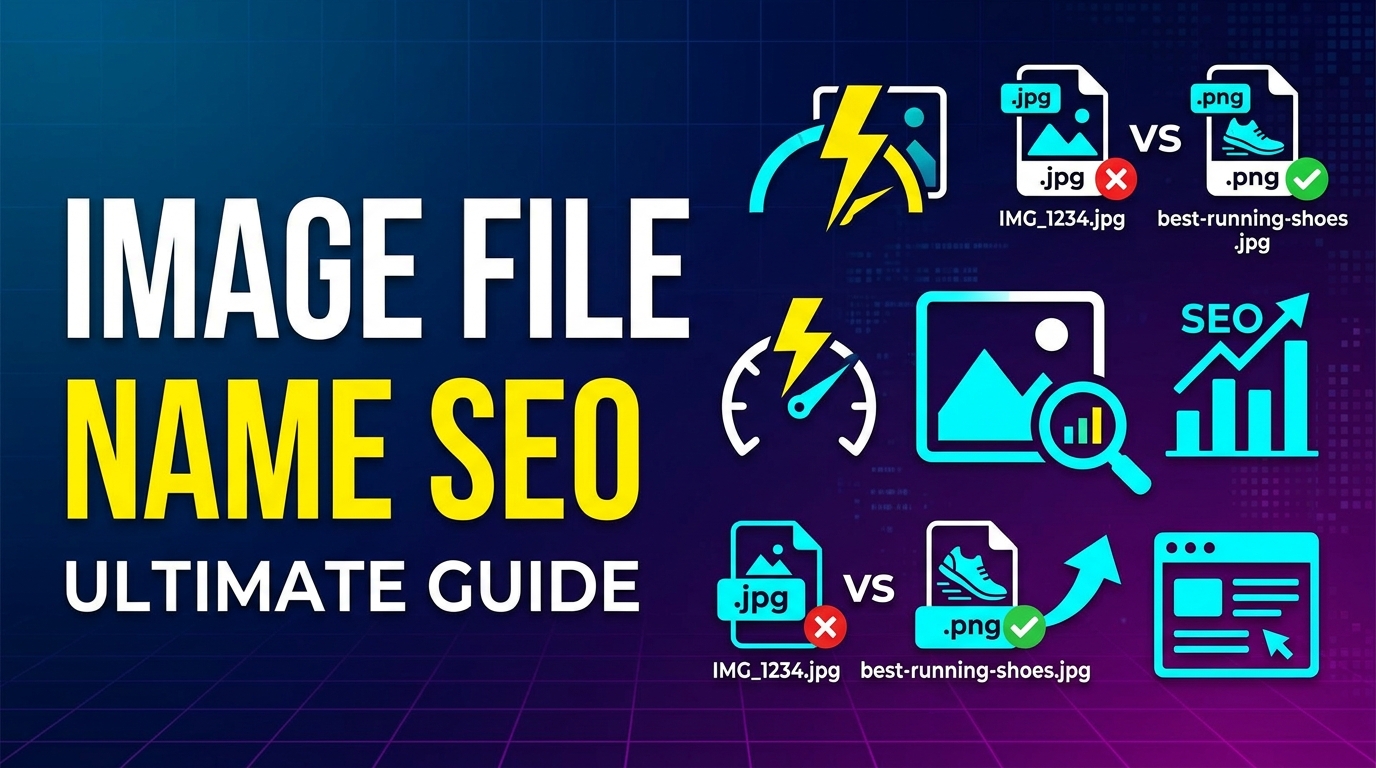
Image SEO is an important part of website optimization. Many people optimize images by compressing them and choosing the right format, but they forget one important thing — the image file name. Search engines cannot see images like humans, so they read the image file name to understand what the image is about.
Using proper image file names helps search engines understand your content better, improves image search ranking, and helps overall website SEO. In this guide, you will learn how to name images correctly for SEO.
What is Image File Name SEO Guide
Image file name SEO means naming your image files in a way that search engines can understand. Instead of using random names like IMG1234.jpg, you should use descriptive names like red-running-shoes.jpg.
A good file name describes the image clearly using simple words and keywords. This helps search engines index your images and show them in search results.
If you are not familiar with image formats, you can read What is JPG and What is PNG to understand image types.
Why It Is Important
Image file names are important for SEO for several reasons:
- Helps search engines understand the image
- Improves ranking in Google Image Search
- Improves overall page SEO
- Makes images easier to manage
- Improves accessibility
Image SEO works best when combined with proper compression. You can read this Image Compression Guide to learn more.
When to Use It
You should optimize image file names in the following situations:
- Uploading images to a website
- Writing blog articles
- Creating eCommerce product pages
- Uploading portfolio images
- Adding images for SEO content
It is best to rename images before uploading them to your website.
Step-by-Step Guide
Step 1 – Use Descriptive Keywords
Use words that describe the image clearly.
Example:
- Bad: IMG001.jpg
- Good: blue-denim-jeans.jpg
Step 2 – Use Hyphens Between Words
Always use hyphens (-) between words. Do not use underscores (_).
- Correct: black-leather-wallet.jpg
- Wrong: black_leather_wallet.jpg
Step 3 – Keep File Name Short
Do not use very long file names. Keep it simple and clear.
Step 4 – Use Main Keyword
Include your main keyword in the file name.
Step 5 – Choose Correct Format
Choose the right format like JPG, PNG, or WEBP. You can use tools like PNG to JPG Converter or Image to WEBP Converter to convert images.
Tips and Best Practices
- Use lowercase letters
- Do not use spaces
- Do not use special characters
- Describe the image clearly
- Use relevant keywords only
- Rename images before uploading
- Compress images before uploading
If you are not sure which format to use, read JPG vs PNG comparison.
Common Problems
Here are common mistakes people make:
- Using random file names
- Using very long file names
- Using underscores instead of hyphens
- Uploading images without renaming
- Using wrong image format
These mistakes can reduce your SEO performance.
FAQ
1. Does image file name affect SEO?
Yes, image file names help search engines understand the image content and improve image search ranking.
2. Should I use keywords in image file name?
Yes, but use them naturally and do not overuse keywords.
3. Should I use hyphens or underscores?
Always use hyphens because search engines read hyphens as spaces.
4. Can I rename images after uploading?
Yes, but it is better to rename images before uploading to avoid broken links.
5. Which image format is best for SEO?
WEBP and JPG are best for SEO because they provide good quality with small file size. You can also convert images using Image to PDF Converter when needed.
Summary
Image file name SEO is a simple but powerful optimization technique. A good file name helps search engines understand your images, improves image search ranking, and improves overall website SEO.
Always use descriptive keywords, hyphens, short names, and the correct image format. Combine proper file naming with image compression and proper format selection for best SEO results.
Related Tools
- PNG to JPG Converter
- Image to WEBP Converter
- Image to PDF Converter
Related Articles
- What is JPG
- What is PNG
- JPG vs PNG
- Image Compression Guide
- Image SEO Guide



















