
Blog
Convert Images to Transparent PNG for Logos

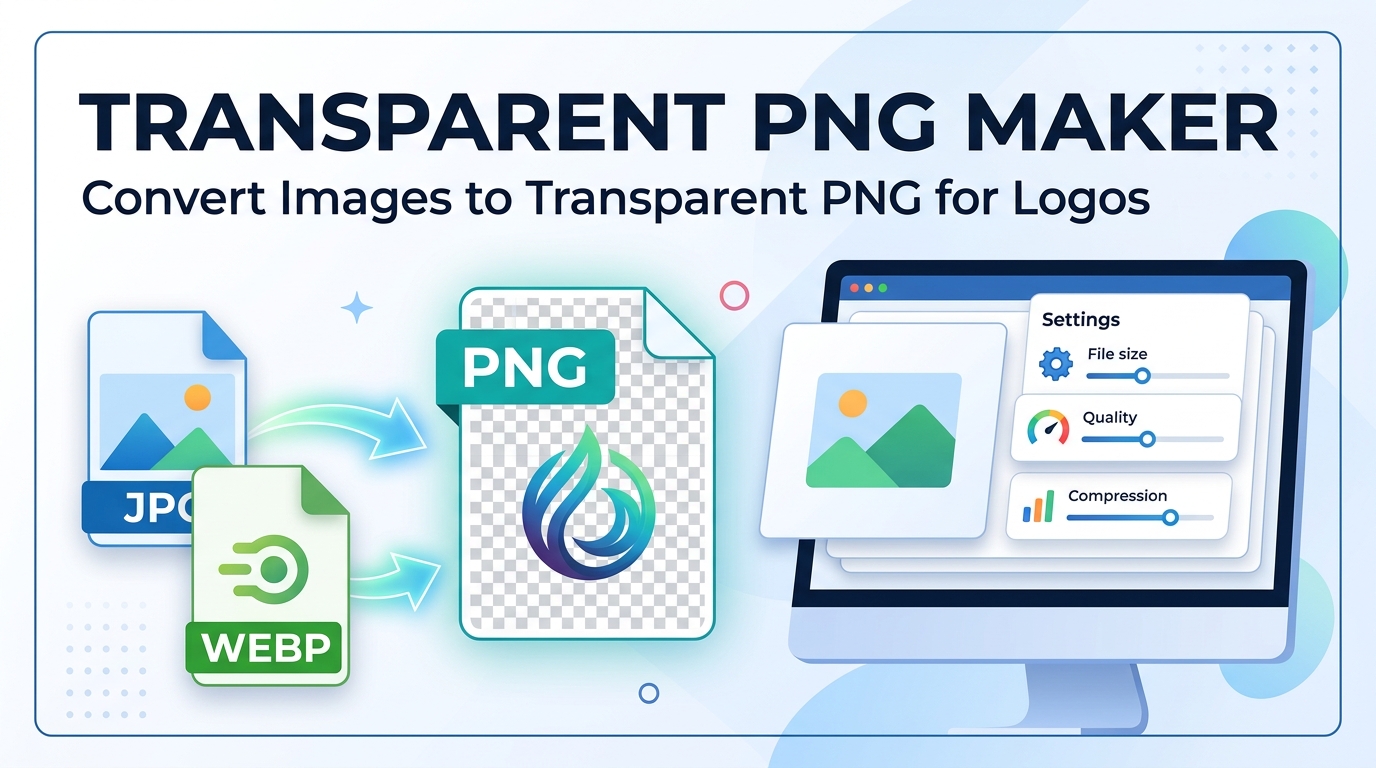
Logos often need a transparent background so they can be placed on websites, banners, presentations, or product images without showing a white box around them. However, many logo images are saved as JPG files, which do not support transparency.
This creates a common problem when designers or website owners try to place a logo on different backgrounds. The solid background becomes visible and ruins the design.
Converting the image into a transparent PNG solves this issue. PNG format supports transparency, allowing the logo to blend cleanly with any background.
What Is a Transparent PNG?
A transparent PNG is an image file where the background area is removed or invisible. Instead of showing a solid color background, only the main subject (such as a logo or icon) remains visible.
This makes the image flexible for use in different designs.
- No visible background
- Works on any color or image background
- Commonly used for logos and icons
- Maintains high image quality
Why Logos Are Often Converted to Transparent PNG
Many logos are originally saved with a white or colored background. This works for simple documents but causes problems when used in digital design or websites.
- Allows logos to blend with website backgrounds
- Makes branding look clean and professional
- Useful for presentations and marketing materials
- Ideal for social media graphics
- Works better in design software
Common Situations Where Transparent Logos Are Needed
- Adding a logo to a website header
- Placing logos on marketing banners
- Designing social media posts
- Creating product packaging visuals
- Overlaying logos on photos or videos
Benefits of Using PNG for Logos
PNG format is widely used for graphics that require transparency and high quality.
- Supports transparent backgrounds
- Maintains sharp edges for logos and icons
- Works across websites and design tools
- Preserves image clarity
- Compatible with most platforms
How to Convert Images to Transparent PNG
You can convert a logo image into a transparent PNG using an online tool. The process is simple and does not require installing any software.
- Open an online image background remover or converter
- Upload the logo image
- The tool detects and removes the background
- Download the final transparent PNG file
If you need a quick browser-based solution, you can use the free tools available at https://zonbunx.in/. These tools work instantly and do not require login or account creation.
Tips for Creating Better Transparent Logos
- Use a high-resolution original image
- Choose logos with clear edges
- Avoid blurry or low-quality images
- Check the PNG file before using it in designs
- Keep the file size optimized for web use
Reference Websites
- https://www.adobe.com/express
- https://www.canva.com
- https://developer.mozilla.org/en-US/docs/Web/Media/Formats/Image_types
Conclusion
Transparent PNG logos are essential for modern digital design. They allow logos to be placed on any background without visible borders or color blocks, creating a clean and professional appearance.
Many logos are initially saved with solid backgrounds, which limits how they can be used. Converting those images into transparent PNG format removes this limitation and makes the logo more flexible for websites, marketing materials, and social media graphics.
Using a browser-based converter makes the process simple and accessible. Within a few steps, you can turn a standard image into a transparent logo ready for use in any design project.
FAQs
1. Why should a logo have a transparent background?
A transparent background allows the logo to blend naturally with different backgrounds without showing a white or colored box.
2. Which image format supports transparency?
PNG is the most commonly used format that supports transparent backgrounds.
3. Can I convert a JPG logo to transparent PNG?
Yes. Background removal tools can convert JPG logos into transparent PNG files.
4. Will converting to PNG reduce image quality?
No. PNG maintains high image quality and sharp edges, making it suitable for logos.
5. Do I need software to create a transparent PNG?
No. Many online tools allow you to remove backgrounds and download transparent PNG files directly from the browser.



















