
Blog
What is JPG Image Format? Uses, Compression, and When to Use

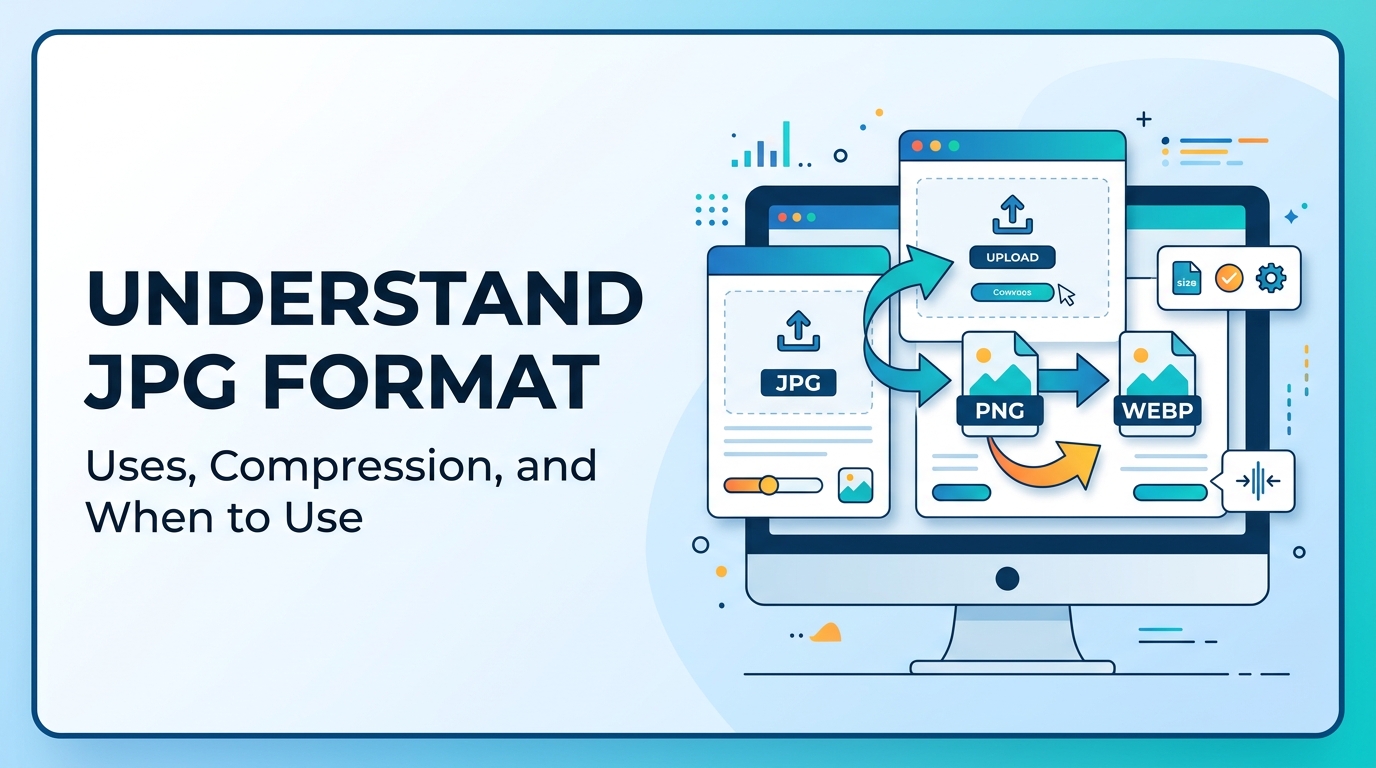

Images are an important part of websites, blogs, social media, online forms, and digital documents. Every image is saved in a specific format such as JPG, PNG, WEBP, or others. Each format has different features, file sizes, and uses. Understanding image formats helps you choose the correct format for your needs. In this article, you will learn what JPG image format is, why it is important, when to use it, and how to use it properly.
What is JPG Image Format
JPG, also known as JPEG, is one of the most commonly used image formats. The name JPG comes from Joint Photographic Experts Group, the organization that created this format. JPG is mainly used for photographs and realistic images because it can reduce file size while keeping the image quality acceptable.
JPG uses lossy compression. This means the image file size is reduced by removing some image data. This makes the file smaller but may slightly reduce image quality. Because of this compression, JPG images load faster on websites and are easier to share online.
If you want to learn more detailed information, you can read What is JPG.
Why It Is Important

JPG format is important because it helps reduce image file size. Large images can slow down websites and take more storage space. JPG compression helps solve this problem.
- Reduces image file size
- Saves storage space
- Improves website loading speed
- Easy to upload and download
- Supported by all devices and browsers
- Best format for photographs
Image size and speed are also important for search engine optimization. Slow websites may rank lower in search results. You can learn more in the Image SEO Guide.
When to Use It

Use JPG for:
- Photographs
- Website images
- Blog images
- Social media images
- Product images
- Portfolio images
Do Not Use JPG for:
- Logos
- Icons
- Images with transparent background
- Graphics with text
- Illustrations
For transparent images and logos, PNG format is better. You can read What is PNG and also learn the difference in JPG vs PNG.
If you need to convert images into JPG format, you can use the PNG to JPG Converter.
Step-by-Step Guide

Follow these steps to convert an image to JPG format:
- Open the PNG to JPG Converter.
- Upload your image from your device.
- Select JPG as the output format.
- Click the convert button.
- Wait for the conversion to complete.
- Download the JPG image.
If you want smaller file size for websites, you can convert images using the Image to WEBP Converter.
If you want to convert images into documents, you can use the Image to PDF Converter.
Tips and Best Practices
1. Use JPG for Photos
JPG format is best for photographs and realistic images. It is not suitable for logos and icons.
2. Compress Images Before Uploading
Compressing images reduces file size and improves website speed. Read the Image Compression Guide to understand compression methods.
3. Use Proper File Names
Always use descriptive file names like mountain.jpg, product-image.jpg, or laptop-photo.jpg. This helps search engines understand the image.
4. Add Alt Text
Alt text helps search engines understand images and improves accessibility. Learn more in the Image SEO Guide.
5. Resize Images Before Upload
Uploading very large images increases file size. Resize images according to your website layout.
6. Convert JPG to WEBP for Websites
WEBP format provides smaller file size than JPG. You can use the Image to WEBP Converter for better performance.
Common Problems
Image Quality Loss
Because JPG uses lossy compression, image quality may reduce if compression is too high.
Solution: Use medium compression instead of maximum compression.
No Transparent Background
JPG does not support transparent backgrounds.
Solution: Use PNG format for transparent images. Read What is PNG.
Large File Size
Sometimes JPG images are still large if not compressed properly.
Solution: Use compression methods explained in the Image Compression Guide.
Not Suitable for Logos
Logos and icons may look blurry in JPG format.
Solution: Use PNG or SVG for logos.
Slow Website Speed
Large images can slow down websites.
Solution: Convert images using the Image to WEBP Converter.
FAQ
Q1. What is JPG used for?
JPG is used for photographs, website images, blog images, and social media images.
Q2. Is JPG better than PNG?
JPG is better for photos, while PNG is better for transparent images. See JPG vs PNG.
Q3. Does JPG reduce file size?
Yes, JPG reduces file size using compression.
Q4. Can JPG support transparent background?
No, JPG does not support transparency. PNG supports transparency.
Q5. Is JPG good for websites?
Yes, JPG is good for websites, but WEBP provides smaller file size and better performance.
Summary
JPG is one of the most widely used image formats, especially for photographs and web images. It reduces file size using compression, which helps improve website speed and saves storage space. JPG is best used for photos, blog images, and online images, but it is not suitable for transparent images or logos. To use JPG properly, you should compress images, use proper file names, add alt text, and choose the correct format depending on your needs.



















