
Blog
What is PNG Image Format?

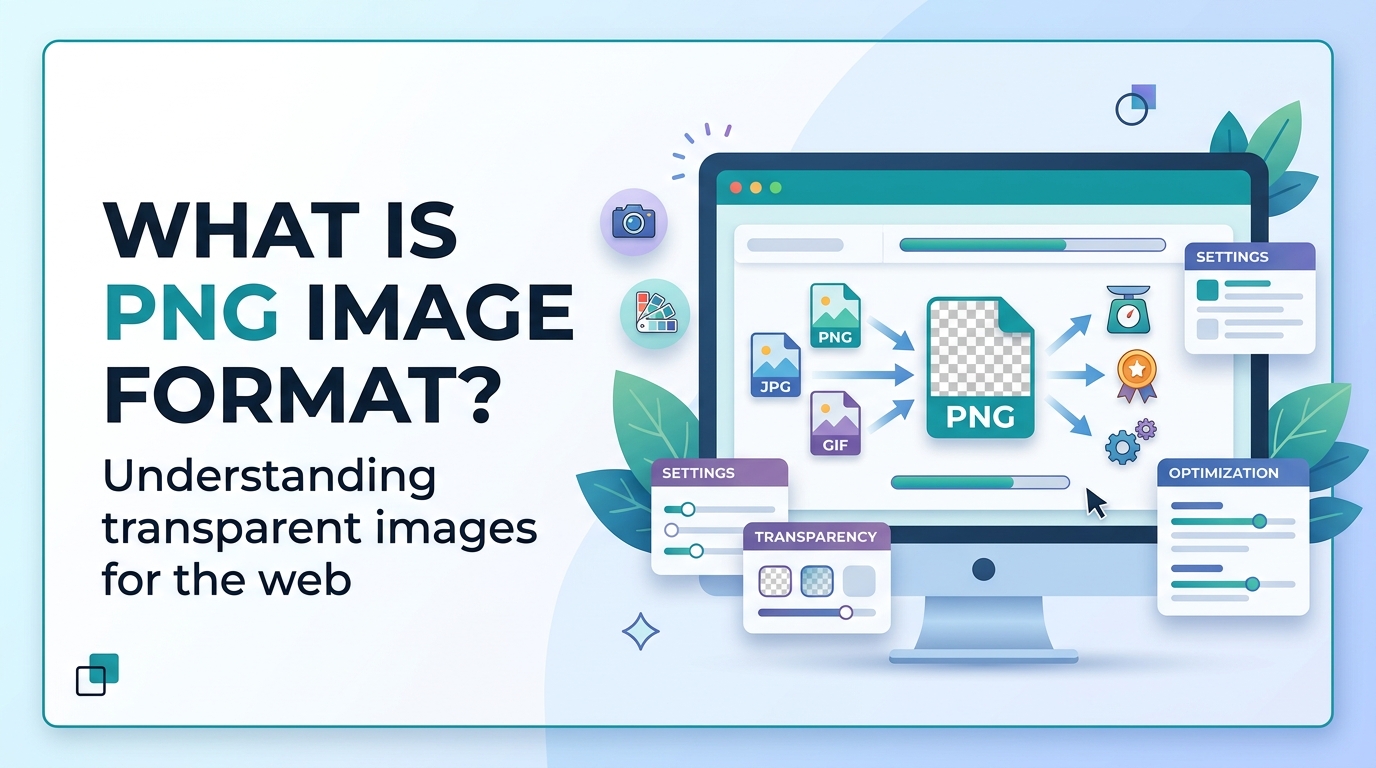

Images are used on websites, blogs, social media, and digital documents. Different image formats are used for different purposes. Some formats are used for photos, while others are used for logos, icons, and graphics. PNG is one of the most commonly used image formats, especially when high quality and transparent backgrounds are needed. In this article, you will learn what PNG image format is, why it is important, when to use it, and how to use it properly.
What is PNG Image Format

PNG stands for Portable Network Graphics. It is an image format that supports high-quality images and transparent backgrounds. PNG format was created as an improved replacement for the GIF format. PNG is commonly used for logos, icons, illustrations, and graphics because it keeps image quality high.
PNG uses lossless compression. This means the image file size is reduced without losing image quality. Because of this, PNG images look sharp and clear, but the file size is usually larger than JPG images.
If you want to learn more about JPG format, you can read What is JPG. You can also learn the difference between formats in JPG vs PNG.
Why It Is Important
PNG format is important because it maintains high image quality and supports transparency. Transparent images are very useful for logos, website design, and graphics.
- Supports transparent background
- Maintains high image quality
- Best for logos and icons
- Best for design graphics
- No quality loss during compression
- Used in website design and UI design
PNG is also useful in image SEO and website optimization when used correctly. You can learn more in the Image SEO Guide.
When to Use It

Use PNG for:
- Logos
- Icons
- Transparent images
- Graphics
- Illustrations
- Website UI elements
- Screenshots
Do Not Use PNG for:
- Photographs
- Large website images
- Images where small file size is required
For photographs, JPG format is better because it has smaller file size. Read more in What is JPG.
If you want smaller file size for websites, you can convert PNG images using the Image to WEBP Converter.
If you want to convert PNG images into documents, you can use the Image to PDF Converter.
If you need JPG format instead of PNG, you can use the PNG to JPG Converter.
Step-by-Step Guide

Follow these steps to convert an image to PNG format:
- Open an image converter tool.
- Upload your image file.
- Select PNG as the output format.
- Click on the convert button.
- Wait for the conversion to finish.
- Download the PNG image.
If you want smaller file size after converting to PNG, read the Image Compression Guide.
Tips and Best Practices
1. Use PNG for Transparent Images
PNG is the best format for images with transparent backgrounds such as logos and icons.
2. Do Not Use PNG for Photos
PNG files are large in size, so they are not suitable for photographs. JPG is better for photos.
3. Compress PNG Images
PNG images can be large, so compress them before uploading to a website. This improves loading speed.
4. Use Proper File Names
Use descriptive file names like logo.png, icon.png, or website-header.png.
5. Use PNG for Design Work
PNG is best for graphic design, UI design, and digital illustrations.
6. Convert PNG to WEBP for Websites
WEBP format provides smaller file size than PNG and improves website speed. Use the Image to WEBP Converter.
Common Problems
Large File Size
PNG images usually have large file size.
Solution: Compress PNG images using methods explained in the Image Compression Guide.
Not Suitable for Photos
PNG is not efficient for photos because file size becomes very large.
Solution: Use JPG for photos.
Website Loading Slow
Large PNG images can slow down websites.
Solution: Convert PNG to WEBP using the Image to WEBP Converter.
Wrong Format Selection
Many people use PNG for all images, which is not correct.
Solution: Use PNG for graphics and JPG for photos.
FAQ
Q1. What is PNG used for?
PNG is used for logos, icons, graphics, and transparent images.
Q2. Does PNG support transparent background?
Yes, PNG supports transparent backgrounds.
Q3. Is PNG better than JPG?
PNG is better for graphics and logos, while JPG is better for photos. See JPG vs PNG.
Q4. Why are PNG files large?
PNG uses lossless compression, which keeps image quality high but increases file size.
Q5. Is PNG good for websites?
PNG is good for logos and icons, but for large images WEBP or JPG is better.
Summary
PNG is a high-quality image format that supports transparent backgrounds and is commonly used for logos, icons, and graphics. It uses lossless compression, which means image quality is not reduced, but file size is larger than JPG. PNG is best used for design elements and transparent images, while JPG and WEBP are better for photos and websites. Choosing the correct image format helps improve website speed, image quality, and user experience.



















