
Blog
What is GIF Image Format

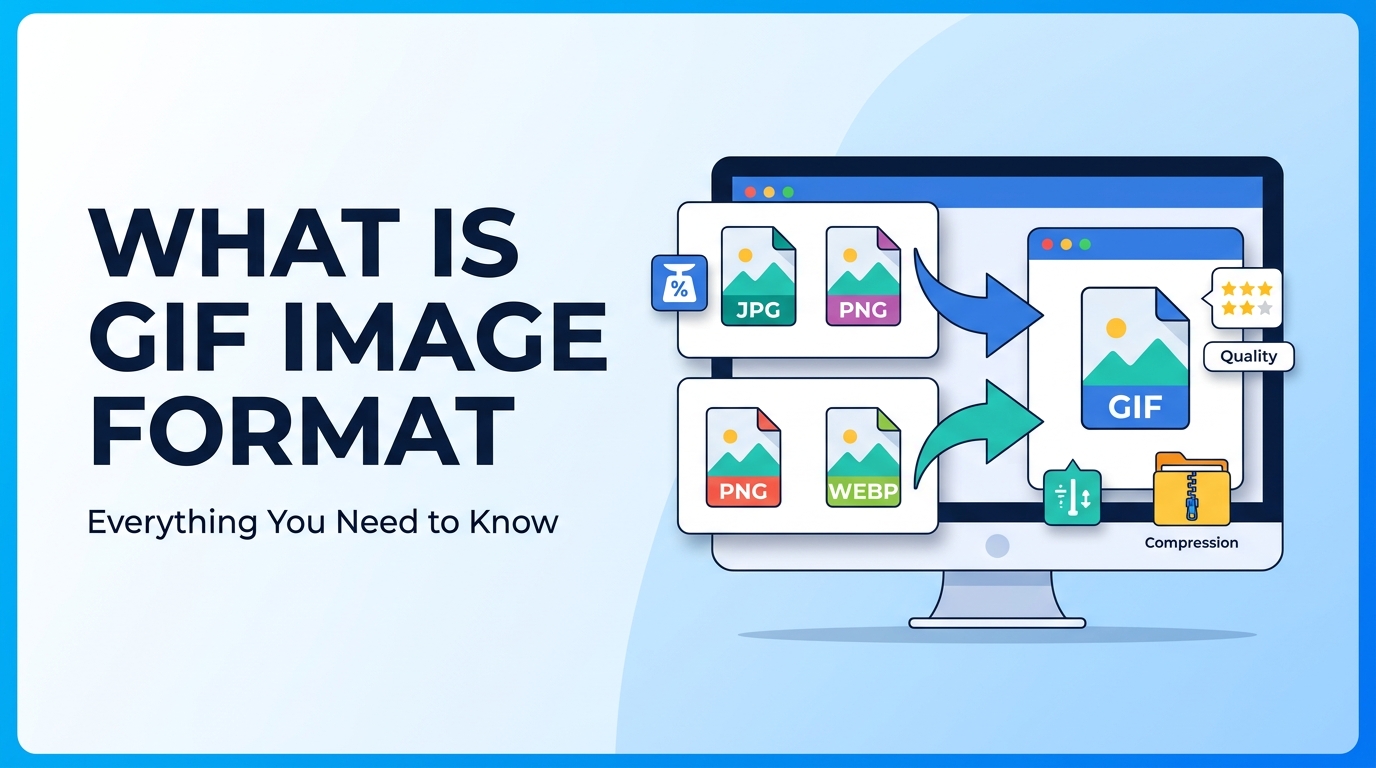
GIF is one of the oldest and most widely used image formats on the internet. It is mainly used for simple graphics and animations. Many websites use GIFs for icons, small graphics, and animated images. Even though newer formats exist, GIF is still popular because it supports animation and works on almost all devices and browsers.
What is GIF Image Format
GIF stands for Graphics Interchange Format. It was created to display images with small file sizes while supporting basic animation. GIF uses lossless compression, which means image quality does not reduce when the file is compressed.
However, GIF supports only 256 colors, which makes it unsuitable for high-quality photos. That is why formats like What is JPG and What is PNG are better for photographs and detailed images.
The main feature that makes GIF special is animation. A single GIF file can contain multiple frames, which play like a short video without sound.
Why It Is Important
GIF is important because it allows animation without using video files. GIF files are easy to share, load quickly, and work in almost all browsers and devices.
Main advantages of GIF:
- Supports animation
- Small file size for simple graphics
- Works on all browsers
- Lossless compression
- Supports transparency
Because of small file sizes, GIF images can help improve website speed if used correctly. You can learn more in the Image Compression Guide and Image SEO Guide.
When to Use It
GIF format is best used in the following situations:
- Simple animations
- Icons and small graphics
- Logos with few colors
- UI animations
- Short animated tutorials
GIF is not recommended for photographs because it supports only 256 colors. For photos, JPG is better, and for transparent images, PNG is better. You can read JPG vs PNG to understand which format to use.
Step-by-Step Guide
How to Create a GIF
- Select multiple images or a short video
- Open a GIF maker tool
- Upload images or video
- Set animation speed
- Click create GIF
- Download the GIF file
How to Convert GIF to Other Formats
- Open an image converter tool
- Upload the GIF image
- Select output format (JPG, PNG, WEBP, PDF)
- Click convert
- Download the converted file
You can use tools like PNG to JPG Converter, Image to WEBP Converter, and Image to PDF Converter if you need different formats.
Tips and Best Practices
- Use GIF only for short animations
- Keep GIF size small to improve loading speed
- Reduce number of frames to reduce file size
- Avoid using GIF for large animations
- Use WEBP instead of GIF for better compression
Common Problems
Large File Size
Animated GIFs can become very large if they have too many frames. Reduce frames and colors to fix this problem.
Low Image Quality
GIF supports only 256 colors, so images may look grainy or low quality.
Slow Loading
Large GIF files load slowly on websites. Compress the GIF or convert it to WEBP.
Not Suitable for Photos
GIF is not good for photographs. Use JPG instead for photos.
FAQ
1. What is GIF mainly used for?
GIF is mainly used for animations, icons, and simple graphics.
2. Is GIF better than JPG?
GIF is better for animation, but JPG is better for photos.
3. Does GIF support transparency?
Yes, GIF supports transparency.
4. Why are GIF files large?
GIF files become large because they store multiple frames for animation.
5. Is GIF good for websites?
GIF is good for small animations, but WEBP is better for performance.
Summary
GIF is a popular image format that supports animation and works on almost all devices and browsers. It is best used for simple graphics and animations, not for photos. While GIF is useful, modern formats like WEBP provide better compression and performance. Understanding when to use GIF helps improve website speed and image optimization.
Related Tools
- PNG to JPG Converter
- Image to WEBP Converter
- Image to PDF Converter
Related Articles
- What is JPG
- What is PNG
- JPG vs PNG
- Image Compression Guide
- Image SEO Guide



















