
Blog
What is SVG Image Format? Complete Beginner Guide

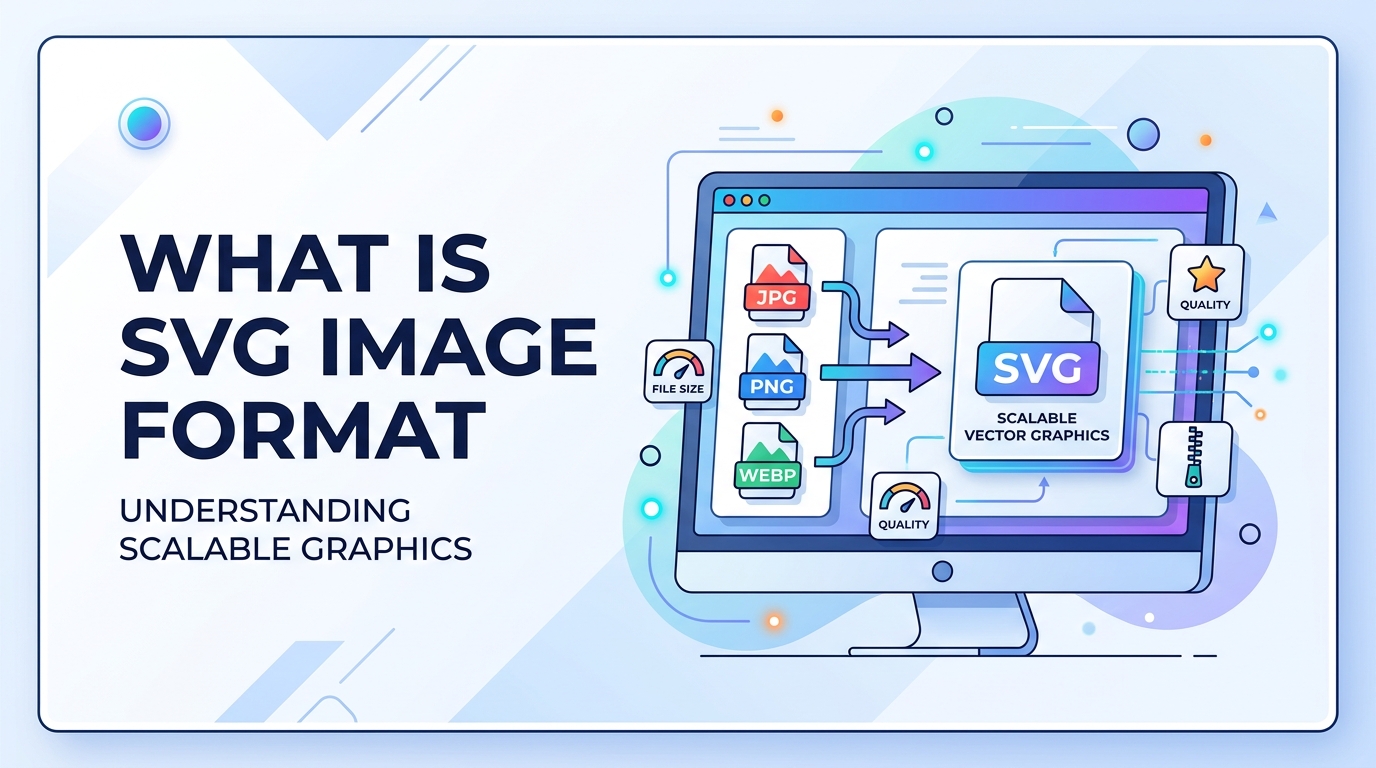
Images are used everywhere on websites, apps, presentations, and digital content. Most people know about JPG and PNG image formats, but SVG is very different from these formats. SVG is not made of pixels like JPG or PNG. Instead, it is made using vector graphics.
SVG images are very important in modern web design because they are small in file size and can scale to any size without losing quality. This makes SVG perfect for logos, icons, illustrations, and UI elements.
In this guide, you will learn what SVG image format is, why it is important, when to use it, and how to use SVG images step-by-step.
What is SVG Image Format
SVG stands for Scalable Vector Graphics. It is a vector image format that uses XML code to create images instead of pixels.
Unlike JPG and PNG, SVG images do not lose quality when resized. You can make an SVG image very small or very large, and it will always stay sharp and clear.
SVG images are commonly used for:
- Logos
- Icons
- Charts
- Illustrations
- Website graphics
- UI elements
If you want to understand pixel-based formats, you can read What is JPG and What is PNG. You can also learn the difference here: JPG vs PNG.
Why It Is Important
SVG is important because modern websites need fast loading speed and high-quality graphics. SVG helps solve both problems.
Here is why SVG is important:
- SVG images do not lose quality when resized
- SVG files are usually very small
- SVG works well for responsive design
- SVG can be edited using code
- SVG supports animation
- SVG improves website performance
Small image size helps improve website speed. Website speed is important for SEO. You can learn more in the Image SEO Guide and Image Compression Guide.
When to Use It
SVG is not used for photos. It is used for graphics and design elements.
You should use SVG in the following situations:
- Logos
- Icons
- Buttons
- Simple illustrations
- Charts and graphs
- Website UI graphics
- Line art
You should not use SVG for complex images or photographs. For photos, formats like JPG, PNG, or WEBP are better. You can convert images using tools like Image to WEBP Converter or PNG to JPG Converter.
Step-by-Step Guide
How to Create or Use SVG Image
- Create a vector design using tools like Illustrator, Figma, or Inkscape
- Export the file as SVG format
- Open the SVG file in a browser to test
- Upload the SVG file to your website
- Use SVG in HTML using <img> tag or inline SVG code
How to Convert Image to SVG
- Open an image converter tool
- Upload PNG or JPG image
- Select SVG as output format
- Convert and download the SVG file
How to Convert Image to PDF
If you want to store vector images in document format, you can use Image to PDF Converter.
Tips and Best Practices
- Use SVG for logos and icons
- Do not use SVG for photos
- Optimize SVG code before uploading
- Remove unnecessary metadata
- Use inline SVG for better control
- Use CSS to style SVG images
- Compress SVG files for faster loading
- Keep a PNG backup for compatibility
Optimizing images is important for performance. Learn more in the Image Compression Guide.
Common Problems
1. SVG Not Displaying
This may happen due to incorrect file path or server settings. Check file location and file permissions.
2. SVG Too Large
If SVG contains too much metadata or complex paths, file size becomes large. Use SVG optimization tools.
3. Compatibility Issues
Very old browsers may not support SVG. Use PNG fallback image.
4. Security Issues
SVG files can contain scripts. Always upload SVG from trusted sources.
FAQ (5 Questions)
1. What is SVG used for?
SVG is used for logos, icons, illustrations, charts, and website graphics.
2. Is SVG better than PNG?
SVG is better for graphics and logos because it does not lose quality. PNG is better for images and complex graphics.
3. Is SVG better than JPG?
SVG is better for vector graphics. JPG is better for photographs.
4. Does SVG help SEO?
Yes, SVG files are small and improve website speed, which helps SEO.
5. Can SVG be resized without losing quality?
Yes, SVG is a vector format, so it can be resized without losing quality.
Summary
SVG is a vector image format that uses code to create images instead of pixels. The biggest advantage of SVG is that it can scale to any size without losing quality.
SVG is best for logos, icons, UI elements, charts, and illustrations. It is not suitable for photographs. SVG files are usually small, which helps websites load faster and improves SEO.
For modern websites, SVG is an important image format for performance and responsive design.



















