
Blog
What is TIFF Image Format

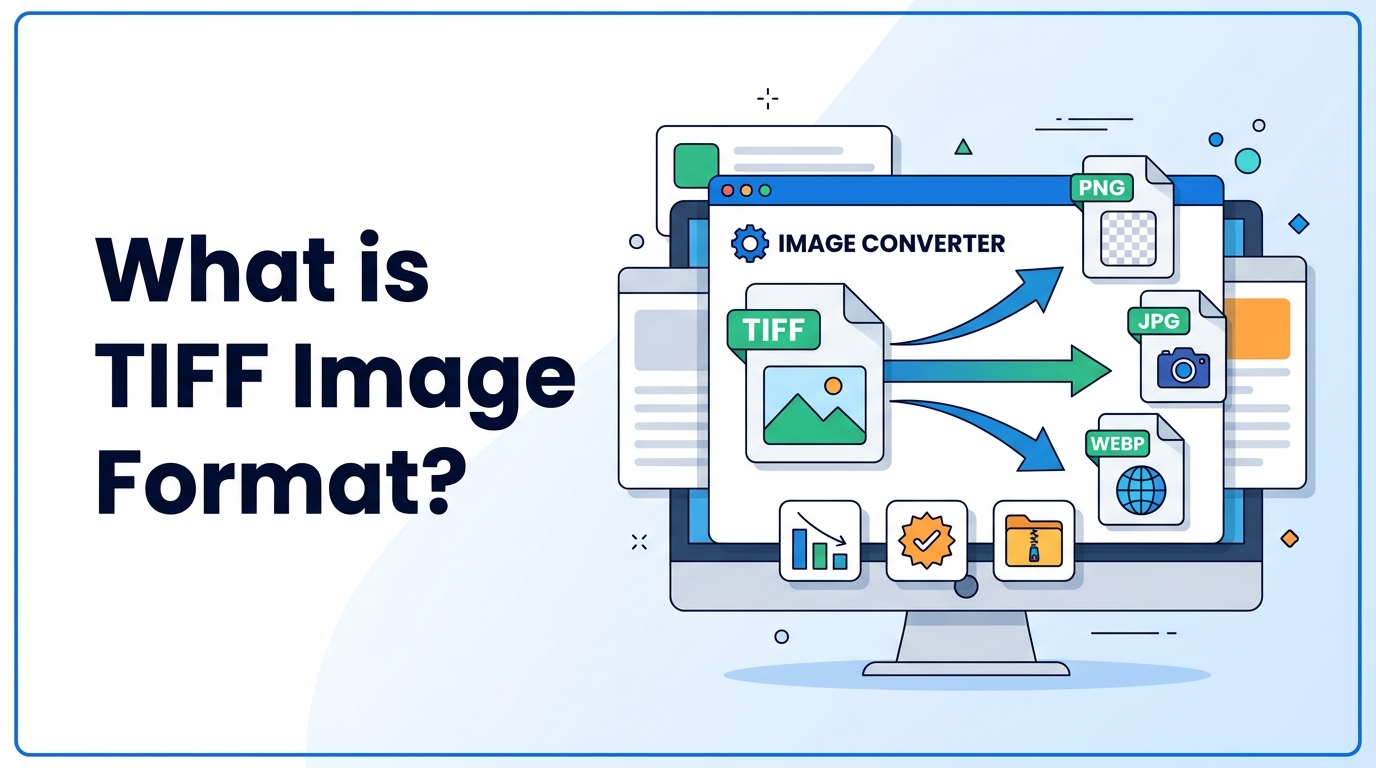
Different image formats are used for different purposes. Some formats are used for websites, while others are used for printing and professional image editing. TIFF is one of the most popular formats for high-quality images.
TIFF is known for storing images without losing quality. Because of this, it is commonly used in printing, scanning, photography, and publishing industries. However, TIFF files are usually very large compared to JPG, PNG, and WEBP.
In this guide, you will learn what TIFF image format is, why it is important, when to use it, and how to use TIFF images step-by-step.
What is TIFF Image Format
TIFF stands for Tagged Image File Format. It is a high-quality image format that stores very detailed image data. TIFF files can store images without compression or with lossless compression, which means image quality does not reduce.
TIFF is commonly used for professional photography, printing, scanning documents, and publishing work. Unlike JPG, TIFF does not lose quality when edited and saved multiple times.
If you want to understand common formats, you can read What is JPG and What is PNG. You can also compare them here: JPG vs PNG.
Why It Is Important
TIFF is important because it keeps full image quality. This is very useful for professionals who need high-quality images.
Here is why TIFF is important:
- No quality loss
- Supports lossless compression
- Best for printing
- Best for scanning documents
- Supports layers and metadata
- Used in publishing and photography
However, TIFF files are large, so they are not commonly used on websites. For websites, formats like JPG, PNG, and WEBP are better. You can learn more in the Image Compression Guide and Image SEO Guide.
When to Use It
You should use TIFF in the following situations:
- Printing photos
- Scanning documents
- Professional photo editing
- Archiving images
- Publishing and design work
You should not use TIFF for websites because file size is very large. For websites, you can convert images using Image to WEBP Converter or PNG to JPG Converter.
Step-by-Step Guide
How to Open TIFF Image
- Right-click the TIFF file
- Open with image viewer or photo editing software
- You can edit and save without losing quality
How to Convert TIFF to JPG or PNG
- Open an image converter tool
- Upload TIFF image
- Select JPG or PNG format
- Convert and download the image
How to Convert TIFF to WEBP
- Open image converter
- Upload TIFF file
- Select WEBP format
- Convert and download
You can use Image to WEBP Converter for web images and Image to PDF Converter for document use.
Tips and Best Practices
- Use TIFF for printing and editing
- Do not use TIFF for websites
- Use lossless compression
- Keep original TIFF as backup
- Convert TIFF to JPG or WEBP for web use
- Store TIFF files in external storage due to large size
You can learn more about image optimization in the Image Compression Guide.
Common Problems
1. TIFF File Too Large
TIFF files are very large. Solution: Use compression or convert to JPG/WEBP.
2. TIFF Not Opening
Some devices do not support TIFF. Solution: Open using photo editing software.
3. Cannot Upload TIFF to Website
Many websites do not support TIFF uploads. Solution: Convert TIFF to JPG or PNG.
4. Slow Transfer
Large TIFF files take time to upload and download.
FAQ (5 Questions)
1. What is TIFF used for?
TIFF is used for printing, scanning, publishing, and professional photography.
2. Is TIFF better than JPG?
TIFF has higher quality than JPG, but file size is much larger.
3. Is TIFF better than PNG?
TIFF is better for printing and professional work. PNG is better for web graphics.
4. Can TIFF be compressed?
Yes, TIFF supports lossless compression.
5. Is TIFF good for websites?
No, TIFF is not good for websites because file size is very large.
Summary
TIFF is a high-quality image format used for printing, scanning, and professional photography. It stores images without losing quality, which makes it ideal for editing and publishing work.
However, TIFF files are very large, so they are not suitable for websites. For web use, it is better to convert TIFF images to JPG, PNG, or WEBP.
TIFF is best used when image quality is more important than file size.



















