
Blog
What is WEBP Image Format? Complete Beginner Guide

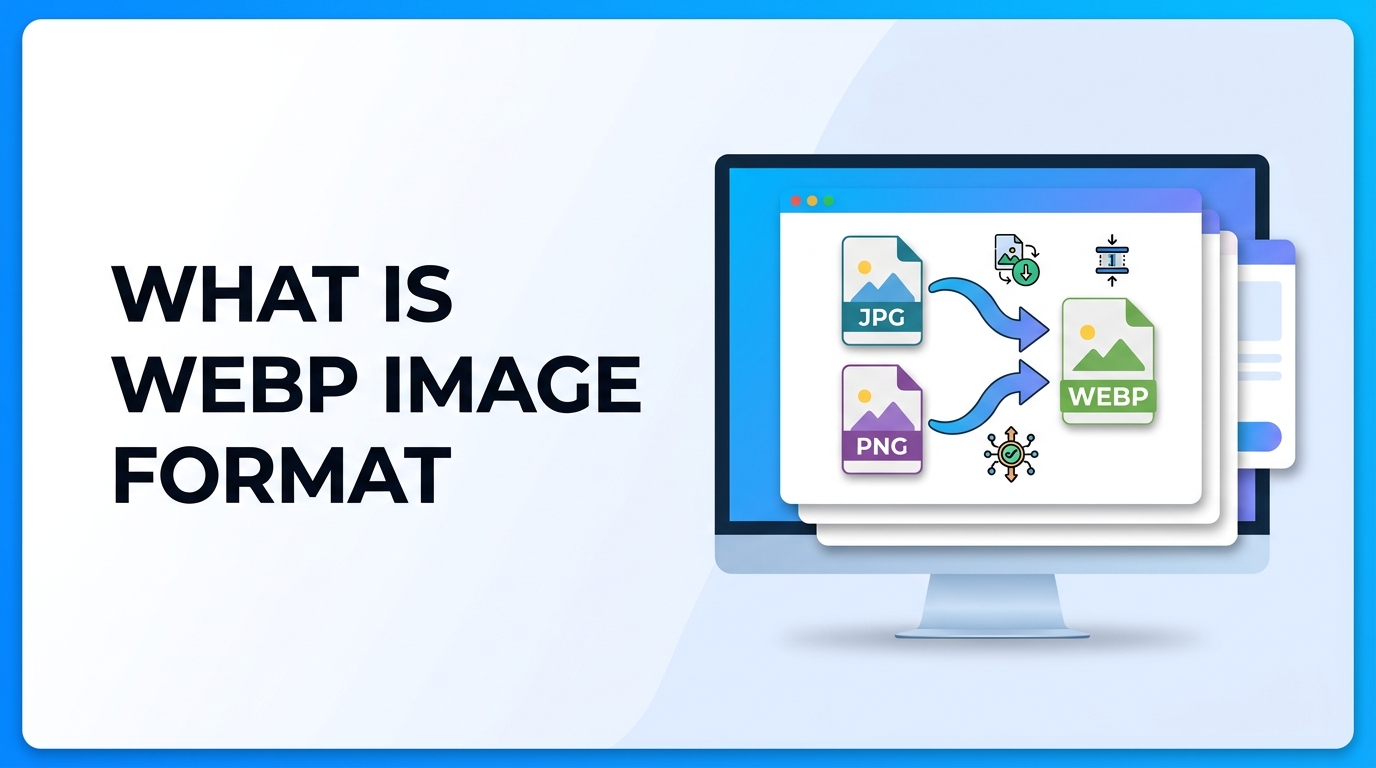
Images are an important part of websites, blogs, online stores, and digital content. But large image files can slow down websites and use more storage space. That is why modern image formats are important. One of the most useful modern image formats is WEBP.
WEBP is designed to make images smaller without reducing quality too much. This helps websites load faster and improves performance. In this guide, you will learn what WEBP is, why it is important, when to use it, and how to convert images to WEBP step-by-step.
What is WEBP
WEBP is an image format developed by Google. It is designed for the web to provide high-quality images with smaller file sizes compared to JPG and PNG formats.
WEBP supports both lossy and lossless compression. This means you can reduce file size while keeping image quality. It also supports transparency like PNG and animation like GIF.
This makes WEBP a modern replacement for JPG, PNG, and GIF in many situations. If you want smaller images and faster websites, WEBP is a very useful format.
Why It Is Important
WEBP is important because website speed is very important today. Large images slow down websites, and slow websites reduce user experience and SEO ranking.
Here is why WEBP matters:
- Smaller file size compared to JPG and PNG
- Faster website loading speed
- Better SEO performance
- Supports transparency
- Supports animation
- Saves storage space
If you want to learn more about image size reduction, you can read the Image Compression Guide and also understand how images affect ranking in the Image SEO Guide.
When to Use It
WEBP is not always required, but in many cases it is the best choice.
You should use WEBP in the following situations:
- Website images
- Blog images
- Product images
- Landing page images
- Background images
- Images that need transparency
However, if you need maximum compatibility or editing, formats like JPG and PNG are still used. You can learn more about these formats here: What is JPG and What is PNG. You can also compare them in JPG vs PNG.
Step-by-Step Guide
How to Convert Image to WEBP
Follow these steps to convert any image to WEBP format:
- Open an online image converter tool
- Upload your JPG, PNG, or other image
- Select WEBP as output format
- Choose compression quality if available
- Click convert button
- Download the WEBP image
You can use the Image to WEBP Converter to convert your images easily.
Convert PNG to JPG Before WEBP (Optional)
In some cases, users first convert PNG to JPG and then to WEBP to reduce file size even more. You can use this tool: PNG to JPG Converter.
Convert Image to PDF
If you need images in document format, you can use Image to PDF Converter.
Tips and Best Practices
Here are some important tips when using WEBP images:
- Use WEBP for websites to improve speed
- Do not use very low quality compression
- Keep image quality between 70–85%
- Use WEBP for background and blog images
- Keep original JPG/PNG as backup
- Use lazy loading for images
- Always compress images before uploading
Combining WEBP with proper compression gives the best results. You can learn this in the Image Compression Guide.
Common Problems
Even though WEBP is very useful, users sometimes face problems.
1. Image Not Supported
Some old browsers do not support WEBP. Solution: Keep JPG fallback image.
2. Quality Looks Blurry
This happens when compression is too high. Solution: Increase quality level.
3. Image Not Uploading
Some websites do not allow WEBP uploads. Solution: Upload JPG/PNG instead.
4. Larger File Than JPG
If compression settings are wrong, WEBP can be larger. Solution: Adjust compression level.
FAQ (5 Questions)
1. Is WEBP better than JPG?
Yes, WEBP usually provides smaller file size with similar quality, which makes it better for websites.
2. Is WEBP better than PNG?
WEBP supports transparency like PNG but with smaller file size, so it is often better for web use.
3. Can WEBP replace JPG and PNG?
For websites, yes in many cases. But for editing and compatibility, JPG and PNG are still used.
4. Does WEBP improve SEO?
Yes, because smaller images improve page speed, and page speed is important for SEO.
5. How do I convert images to WEBP?
You can use an online converter like Image to WEBP Converter to convert images easily.
Summary
WEBP is a modern image format designed for the web. It provides smaller file sizes while keeping good image quality. It supports transparency and animation, which makes it a powerful alternative to JPG, PNG, and GIF.
Using WEBP images helps websites load faster, improves SEO, saves storage space, and improves user experience. However, it is still important to keep JPG or PNG as backup for compatibility.
If you run a website or blog, using WEBP with proper compression and SEO optimization is a smart choice.



















