
Blog
What is HEIC Image Format

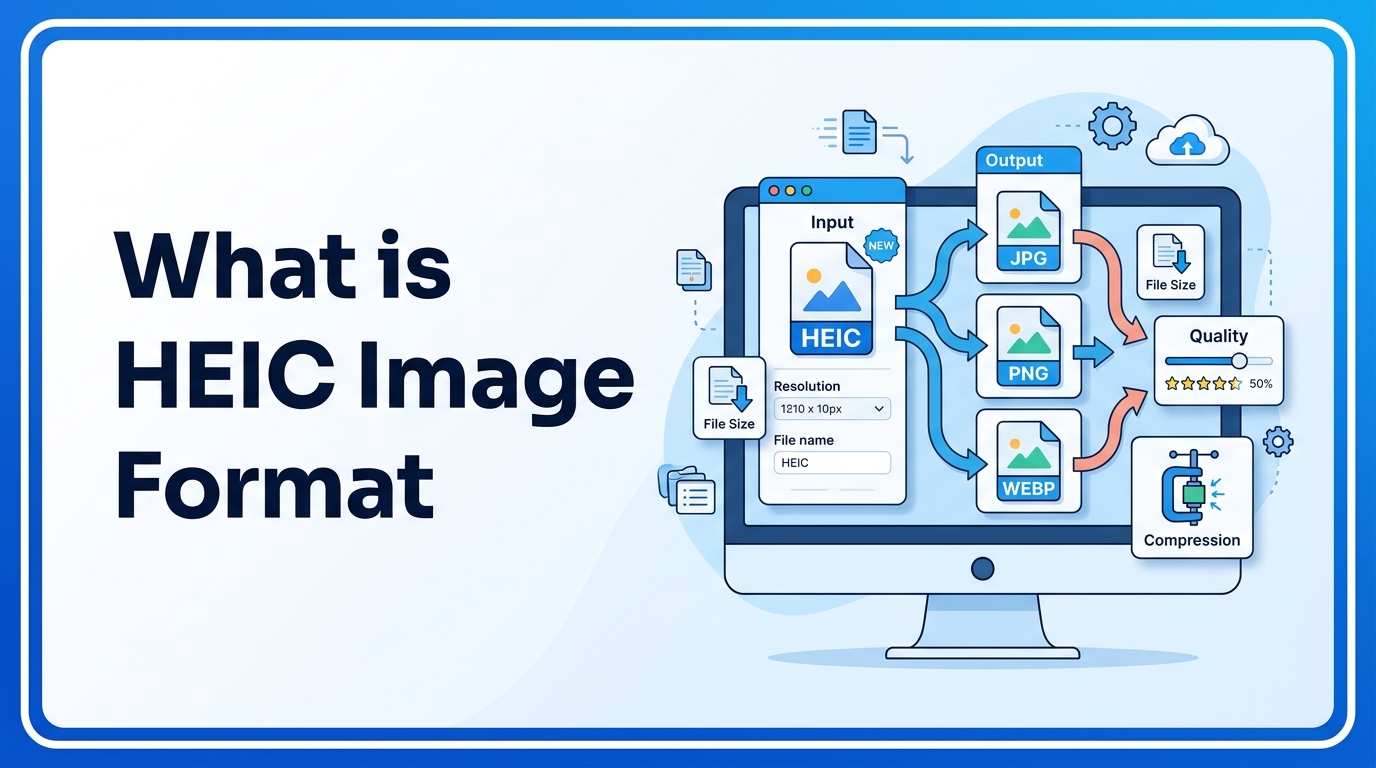
HEIC is a modern image format that is designed to store high-quality images in smaller file sizes. It is commonly used in smartphones, especially on Apple devices. Many users see HEIC files but do not understand what they are or how to use them. This guide explains the HEIC format in simple terms, when to use it, and how to convert it.
What is HEIC Image Format
HEIC stands for High Efficiency Image Container. It is based on the HEIF (High Efficiency Image Format) standard. HEIC uses advanced compression technology to reduce file size while keeping image quality high.
Compared to traditional formats like JPG and PNG, HEIC can store the same image in almost half the file size. This makes it useful for saving storage space and improving performance on websites and devices.
If you want to understand traditional formats, you can read What is JPG and What is PNG to see how HEIC compares with older formats.
Why It Is Important
HEIC is important because it helps reduce storage space without reducing image quality. This is very useful for mobile devices, websites, and cloud storage.
Main benefits of HEIC:
- Smaller file size
- High image quality
- Supports transparency
- Supports multiple images in one file
- Better compression than JPG
Smaller images also help with website performance. You can learn more in the Image Compression Guide and Image SEO Guide.
When to Use It
HEIC format is useful in many situations:
- Storing photos on mobile devices
- Saving storage space
- Uploading images to cloud storage
- Sending multiple images in one file
- Keeping high-quality images with small size
However, HEIC is not supported everywhere. Many websites and Windows systems still prefer JPG or PNG. In that case, you may need to convert HEIC to JPG or PNG using tools like PNG to JPG Converter or Image to WEBP Converter.
Step-by-Step Guide
How to Convert HEIC to JPG or PNG
- Open an HEIC converter tool
- Upload your HEIC image
- Choose output format (JPG, PNG, WEBP, or PDF)
- Click convert
- Download the converted image
You can also convert HEIC images into documents using the Image to PDF Converter.
How to Turn Off HEIC on iPhone
- Open Settings
- Go to Camera
- Click Formats
- Select Most Compatible
This will save new photos in JPG instead of HEIC.
Tips and Best Practices
- Use HEIC for storage saving
- Use JPG for websites
- Use PNG for transparent images
- Use WEBP for SEO and fast websites
- Compress images before uploading
If you are not sure which format to use, read JPG vs PNG to understand the difference.
Common Problems
HEIC Not Opening on Windows
Windows does not support HEIC by default. You need to install the HEIF extension or convert the image to JPG.
HEIC Not Uploading to Website
Many websites do not support HEIC format. Convert HEIC to JPG or WEBP before uploading.
Large File Compatibility Issues
Some editing software does not support HEIC. Convert the image before editing.
FAQ
1. Is HEIC better than JPG?
HEIC has better compression and smaller file size, but JPG has better compatibility.
2. Why does iPhone use HEIC?
iPhone uses HEIC to save storage space while keeping photo quality high.
3. Can I convert HEIC to JPG?
Yes, you can convert HEIC images using online converters.
4. Does HEIC support transparency?
Yes, HEIC supports transparency like PNG.
5. Is HEIC good for websites?
No, WEBP and JPG are better for websites because they are more widely supported.
Summary
HEIC is a modern image format that provides high-quality images with smaller file sizes. It is mainly used in smartphones to save storage space. However, HEIC is not supported everywhere, so many users convert HEIC images to JPG, PNG, or WEBP for compatibility. Understanding when to use HEIC and when to convert it helps in image optimization and storage management.
Related Tools
- PNG to JPG Converter
- Image to WEBP Converter
- Image to PDF Converter
Related Articles
- What is JPG
- What is PNG
- JPG vs PNG
- Image Compression Guide
- Image SEO Guide



















